The simple PNG maker
Drop the background.
Keep the subject.
Use our PNG maker online to remove image backgrounds, create transparent PNGs, and get your visuals ready to use — in a few clicks.
✦◎✺Made for people who make things.
PNG / 24-bit ●
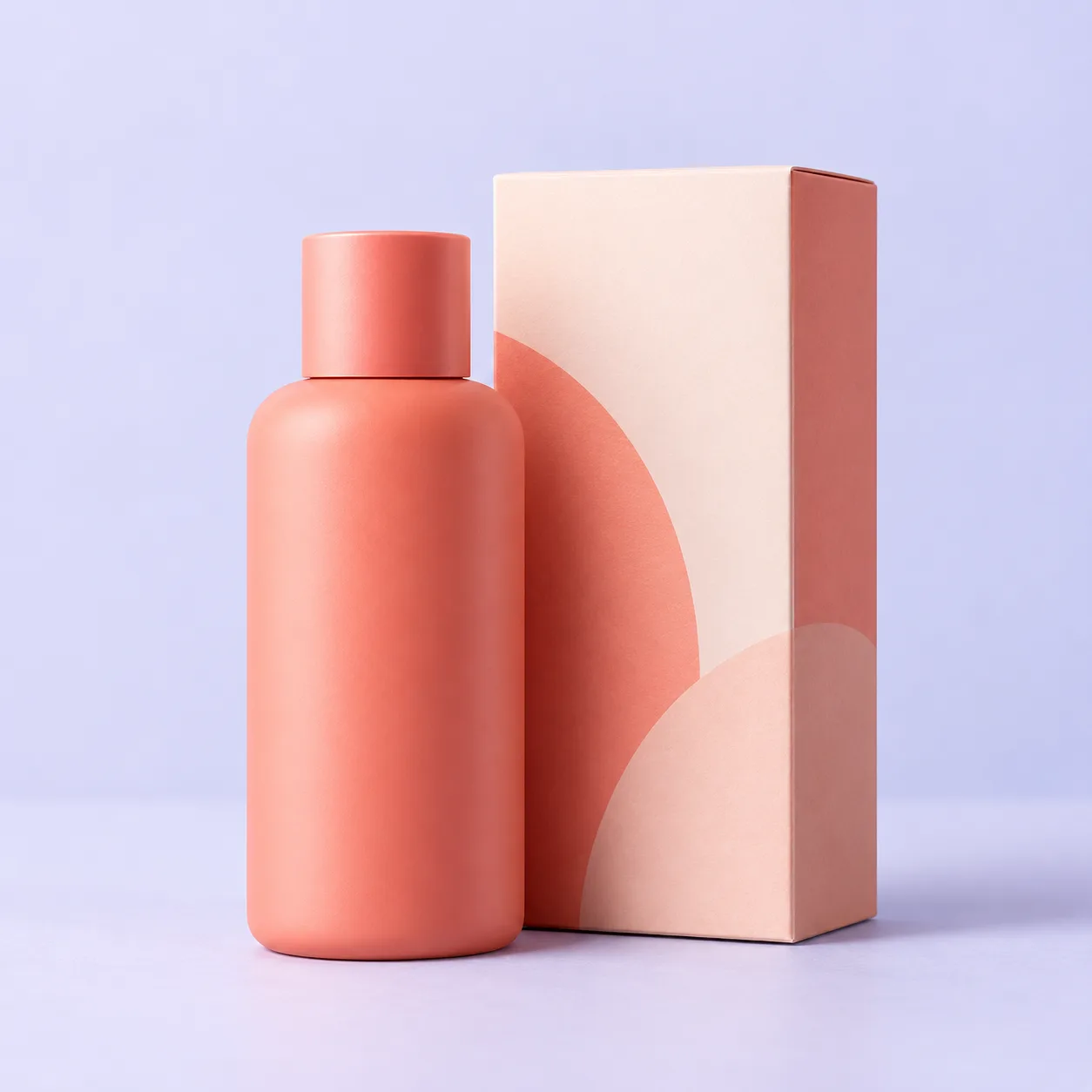 ORIGINAL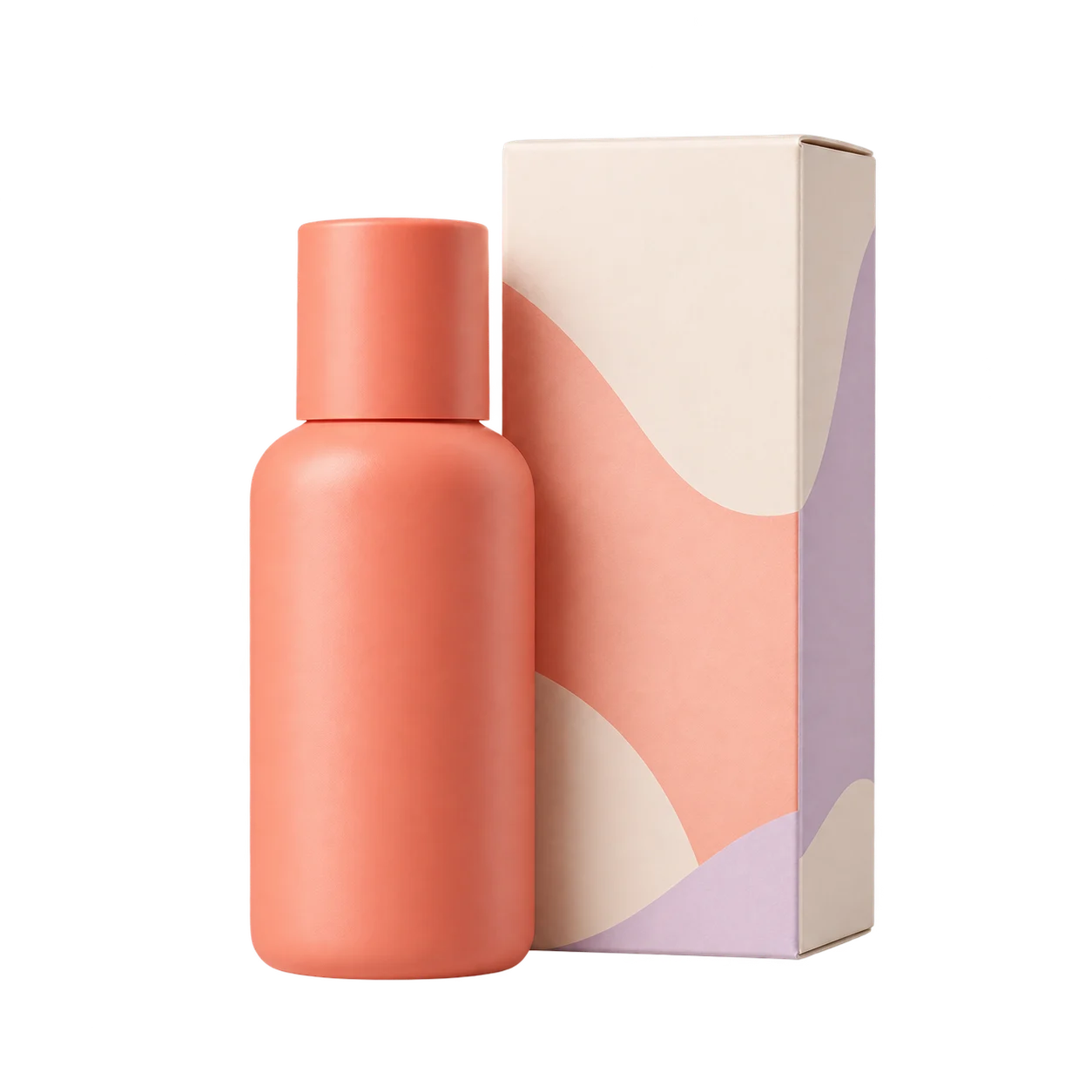
✓Transparentbackground removed
NO WHITE BOX ↗
Your next good idea
01
One image in.
One clean PNG out.
Drop in a photo, logo, or product shot. Remove the background from a picture and get a clean, transparent version ready for whatever comes next.
Drop an image hereor click to browse · JPG, PNG, WEBP
How it works
Less editing.
More making.
- 01↑
Upload
Bring your image. Any format, any starting point.
- 02✦
Remove background
See your subject separate from the background.
- 03↓
Download
Take a crisp, transparent PNG anywhere.
- 04↗
Use it next
Put the clean PNG on a product photo, avatar, logo, or slide.
See the difference
Clean edges.
Clear purpose.
Drag the divider to compare the original product photo with its transparent PNG.
ORIGINAL IMAGE / TRANSPARENT PNGDRAG TO COMPARE
ORIGINAL IMAGE↔
product-shot.pngPNG ✓
Made for your next move
From first draft.
To the final touch.
Wherever your image goes next, it starts with a clean background.
E-commerce
Make product photos pop on any marketplace or storefront.

Social avatars
Create profile images that look great on every background.
Brand assets
Keep logos, marks, and signatures ready for any layout.

Presentations
Drop clean visuals into decks without the white box.
A better baseline
Good tools get out of the way.
Everything you need to make a transparent PNG. Nothing you don't.
Clean edges, every time
Keep the focus on your subject with a cutout that feels considered.
Batch-ready workflow
Once you start, you'll want to clean up your whole folder.
Your file, your rights
You own the image you upload. pngmaker.org only helps prepare it for the next project.
Good to know
Questions, answered.
What is a PNG maker?+
A PNG maker helps you turn an image into a transparent, ready-to-use PNG file. It is perfect for logos, product images, social avatars, and presentations.
Can I remove a background?+
Yes. pngmaker.org is designed around the most common PNG workflow: upload an image, remove the background, and export a clean transparent result.
Do I need design skills?+
Not at all. The workflow is intentionally simple and visual, so you can get a polished PNG without opening a complicated editor.
Can I use my PNG commercially?+
You own the image you upload and should make sure you have rights to use it. pngmaker.org only helps prepare the file for your next project.
Ready when you are
Make something transparent.
Start with an image. Local removal on this page is free.